If you have spent any time in the Roblox community, you have probably heard the term "executor" thrown around in conversations about scripting, game modifications, and custom experiences. Among the many tools available in this space, Delta Executor has emerged as one of the most popular and widely trusted options in 2026. But what exactly is it, and why has it gained such a large following? This comprehensive guide will walk you through everything you need to know about Delta Executor, from its fundamental purpose to its advanced features and how to start using it safely.
Whether you are a complete newcomer who has never touched a script before or someone migrating from another executor, this article will give you a clear and honest overview. We will cover the technical foundations, walk through the feature set, explain compatibility across platforms, and address the safety questions that matter most to users. By the end of this guide, you will have a thorough understanding of what Delta Executor offers and whether it is the right tool for your Roblox experience.
Understanding Delta Executor and How It Works
Delta Executor is a script execution tool designed specifically for Roblox. At its core, it allows users to run custom Lua scripts within Roblox games, enabling gameplay modifications, automation, and enhanced experiences that go beyond what the standard Roblox client provides. Think of it as a bridge between custom code and the Roblox game engine: you write or paste a script, Delta Executor injects it into the running game, and the code executes within the game environment.
The way it works is relatively straightforward from a user perspective. After installing Delta Executor on your device, you launch it alongside Roblox. The executor attaches to the Roblox process and opens a script editor where you can write, paste, or load Lua scripts. When you press the execute button, Delta Executor interprets the code and runs it within the active game session. This could mean anything from simple quality-of-life tweaks like an enhanced camera to more complex automations like resource farming scripts.
Under the hood, Delta Executor uses a custom Lua engine that interfaces with the Roblox runtime. This engine has been refined over multiple years to maintain compatibility with Roblox updates, which happen frequently. The development team actively monitors Roblox patches and releases corresponding updates to keep Delta Executor functional. This ongoing maintenance is one of the reasons it has built a reputation for reliability compared to tools that break after every update cycle and take weeks to recover.
What sets Delta Executor apart from basic code injection tools is its execution environment. It provides a sandboxed space where scripts can interact with game objects, UI elements, and player data within the game context. The executor handles memory management, error handling, and process communication behind the scenes, so users can focus on the scripts themselves rather than the plumbing that makes them run.
Key Features That Make Delta Executor Stand Out
Delta Executor has grown well beyond a simple script runner. The 2026 version includes a mature feature set that addresses both beginner needs and advanced user requirements. Here is a breakdown of the capabilities that define the current release.
The built-in script editor provides syntax highlighting, auto-completion, and error detection for Lua code. You do not need an external code editor to write scripts. The editor supports tabs for working with multiple scripts simultaneously, and it remembers your recent scripts so you can quickly switch between favorites. For beginners, this means you can start editing and experimenting without installing additional software.
The script hub is perhaps the most beginner-friendly feature. It contains a curated library of ready-to-use scripts organized by game. Instead of searching forums and Discord servers for scripts, you can browse the hub directly within Delta Executor, find a script for the game you are playing, and execute it with a single tap or click. The hub is updated regularly with new scripts and compatibility patches for popular games.
Delta Executor also includes a key system that manages access and authentication. While some users view the key system as an extra step, it serves an important purpose: it helps regulate usage, prevent abuse, and support the development team financially through the key retrieval process. Keys typically last 24 hours, meaning you generate one daily to continue using the executor.
Additional features include a console output panel for debugging scripts, a file manager for organizing your script library locally, auto-attach capability that connects to Roblox automatically when you launch a game, and custom themes for personalizing the interface. The executor also supports HTTP requests within scripts, allowing more advanced integrations and external data fetching.
Supported Platforms and Compatibility
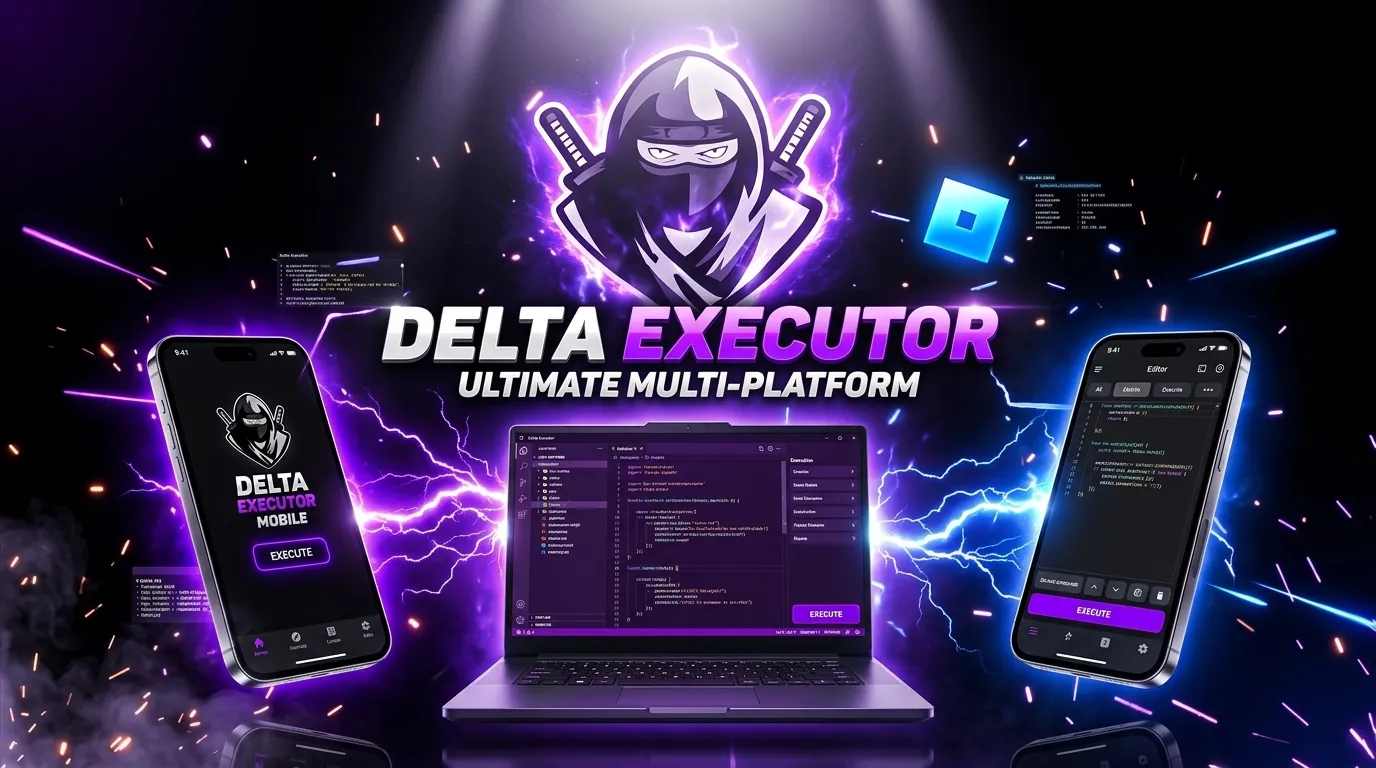
One of Delta Executor's greatest strengths is its cross-platform availability. Unlike many executors that only work on Windows, Delta Executor supports Android, iOS, and PC, making it accessible to the vast majority of Roblox players regardless of what device they use.
On Android, Delta Executor runs as a standalone APK that you install outside of the Google Play Store. It is compatible with Android 7.0 and above, covering virtually all modern Android phones and tablets. The Android version includes the full script hub, editor, and auto-attach features. If you are an Android user, our detailed Android installation guide walks you through every step from download to first script execution.
For iOS users, Delta Executor is available through sideloading methods. Since Apple restricts app installation to the App Store by default, you will need to use a sideloading tool like AltStore or a similar service to install the IPA file. The iOS version has been optimized for iPhone and iPad, with touch-friendly controls and performance tuning for Apple's hardware. Our iOS sideloading guide explains the process step by step.
The PC version supports Windows 10 and Windows 11. It offers the most complete feature set, including advanced debugging tools, multi-instance support, and broader script compatibility. The desktop interface provides more screen real estate for the editor and console, making it the preferred platform for users who write their own scripts. Check out the PC setup guide for installation instructions.
Across all platforms, the Delta Executor team aims for feature parity, meaning the core functionality remains consistent whether you are on a phone or a desktop. However, certain advanced features like the expanded debugger and multi-tab editing are currently exclusive to the PC version due to interface constraints on mobile devices.
Getting Started with Delta Executor
Setting up Delta Executor for the first time is a process that varies slightly depending on your platform, but the general workflow follows the same pattern. Here is a high-level overview of what to expect.
First, you need to download the correct version for your device. Visit the official Delta Executor download page and select your platform. You will find separate download links for Android, iOS, and PC. Always download from the official source to avoid tampered files or bundled malware that can come from unofficial mirrors and random forum links.
After downloading, install the application following the platform-specific instructions. On Android, this means enabling installation from unknown sources and running the APK. On iOS, you will sideload the IPA using your preferred method. On PC, you run the installer and may need to add an exception in your antivirus software, as executors are sometimes flagged due to their code injection behavior rather than any actual malicious activity.
Once installed, launch Delta Executor and complete the key verification process. This involves retrieving a daily key through the in-app key system. Follow the prompts, complete the verification steps, and enter the key when directed. After verification, the executor unlocks full functionality for 24 hours.
Now you are ready to run your first script. Open Roblox and join any game. Switch back to Delta Executor, and it should detect the running Roblox session automatically if auto-attach is enabled. Navigate to the script hub, pick a script for the game you are in, and press Execute. You should see the script take effect in the game immediately. From here, you can experiment with different scripts, try writing your own using the built-in editor, or explore the best scripts for Delta Executor.
Safety, Security, and Responsible Use
Safety is understandably the top concern for anyone considering a script executor. Users want to know whether Delta Executor is safe to install, whether it contains malware, and what risks are involved. These are fair questions that deserve honest answers.
Delta Executor itself is free of malware and spyware when downloaded from the official source. The development team has maintained a clean track record, and the tool has been reviewed by the community extensively over several years. However, the caveat about downloading from the official source is critical. Unofficial copies hosted on random websites may contain modified versions bundled with trojans, keyloggers, or other harmful software. Always verify you are on the legitimate site before downloading.
From a technical security perspective, Delta Executor operates by injecting code into the Roblox process. This behavior is inherently flagged by antivirus software because it resembles techniques used by malicious programs. This does not mean Delta Executor is a virus. It means the method it uses to function triggers generic heuristic detections. You will typically need to add Delta Executor to your antivirus exclusion list. Our dedicated safety guide covers this topic in depth, including how to verify the authenticity of your download.
Regarding account safety, it is important to understand that using any script executor in Roblox carries a risk of account action from Roblox. The Roblox Terms of Service prohibit the use of third-party software that modifies gameplay. While Delta Executor includes measures to reduce detection, no executor can guarantee complete immunity from moderation. Users should be aware of this risk and make informed decisions.
To minimize risk, consider using an alternative account for testing scripts, avoid using highly disruptive scripts in public servers, and keep Delta Executor updated to the latest version, which includes the most recent anti-detection measures. Responsible use not only protects your account but also ensures a better experience for other players in the games you join.
Understanding the Scripting Environment
Delta Executor uses a Lua-based scripting environment that is compatible with the Roblox Lua (Luau) syntax. If you have experience with Roblox Studio scripting, you will find the transition natural. The executor supports the standard Roblox API, meaning you can interact with game services, player objects, workspace elements, and UI components using familiar method calls.
For beginners who have never written a line of code, the learning curve is manageable. Lua is widely regarded as one of the most beginner-friendly programming languages. Its syntax is clean and readable, and the Roblox-specific extensions make it intuitive to interact with game elements. A simple script might look like making your character walk faster, changing visual properties of objects, or printing information to the console for debugging purposes.
Delta Executor extends the standard Roblox Lua environment with additional functions that are specific to executor functionality. These include functions for reading and writing files on your device, making HTTP requests to external servers, interacting with the executor's UI, and accessing low-level game properties that normal scripts cannot reach. These extensions are what make executor scripts more powerful than standard Roblox Studio scripts.
If you want to start learning scripting from scratch, we recommend our Roblox scripting beginner's guide, which covers the fundamentals of Lua syntax, common Roblox API patterns, and how to write your first working script. Combined with the script hub examples built into Delta Executor, you will have plenty of material to learn from.
Frequently Asked Questions About Delta Executor
Is Delta Executor really free?
Yes, Delta Executor is completely free to download and use. The key system requires you to complete a brief verification process daily, but there is no subscription fee or one-time purchase required. Premium features may be available through optional paid tiers in the future, but the core executor remains free.
Does Delta Executor work on Chromebook?
Chromebooks that support Android apps through the Google Play Store can potentially run the Android version of Delta Executor. However, performance and compatibility depend on the specific Chromebook model and its hardware capabilities. Dedicated Android devices or PCs generally provide a better experience.
How often is Delta Executor updated?
The development team releases updates regularly, typically within 24 to 72 hours after a major Roblox update. Minor patches and feature additions happen on a weekly to biweekly schedule. The auto-update feature notifies you when a new version is available and guides you through the update process.
Can I get banned from Roblox for using Delta Executor?
There is always a risk of account moderation when using any third-party executor with Roblox. While Delta Executor includes anti-detection measures that reduce this risk, no executor can eliminate it entirely. We recommend using an alternate account for experimentation and avoiding disruptive behavior in public game servers.
What should I do if Delta Executor stops working after a Roblox update?
Roblox updates can temporarily break executor compatibility. When this happens, the Delta Executor team works to release a patch as quickly as possible. Check the official channels for update announcements, and do not attempt to use outdated versions, as they may trigger detection more easily. For common issues, visit our troubleshooting guide.
What makes Delta Executor different from other executors?
Delta Executor differentiates itself through its cross-platform support, consistently fast update cycle, built-in script hub, and user-friendly interface. While other executors may excel in specific areas, Delta Executor offers the most well-rounded package for both beginners and experienced users. Read our comparison article for a detailed breakdown.
Ready to Get Started?
Download Delta Executor for your platform and start exploring today.
Download Now